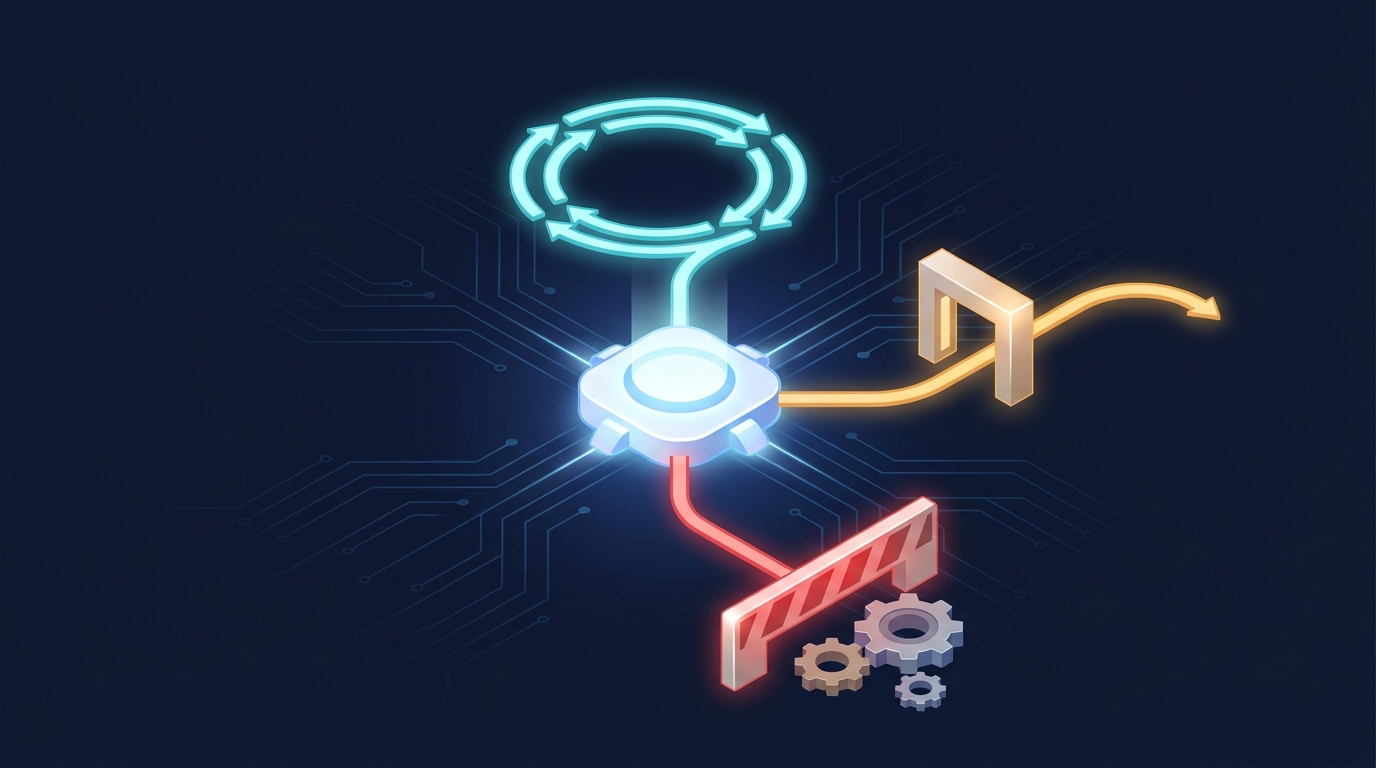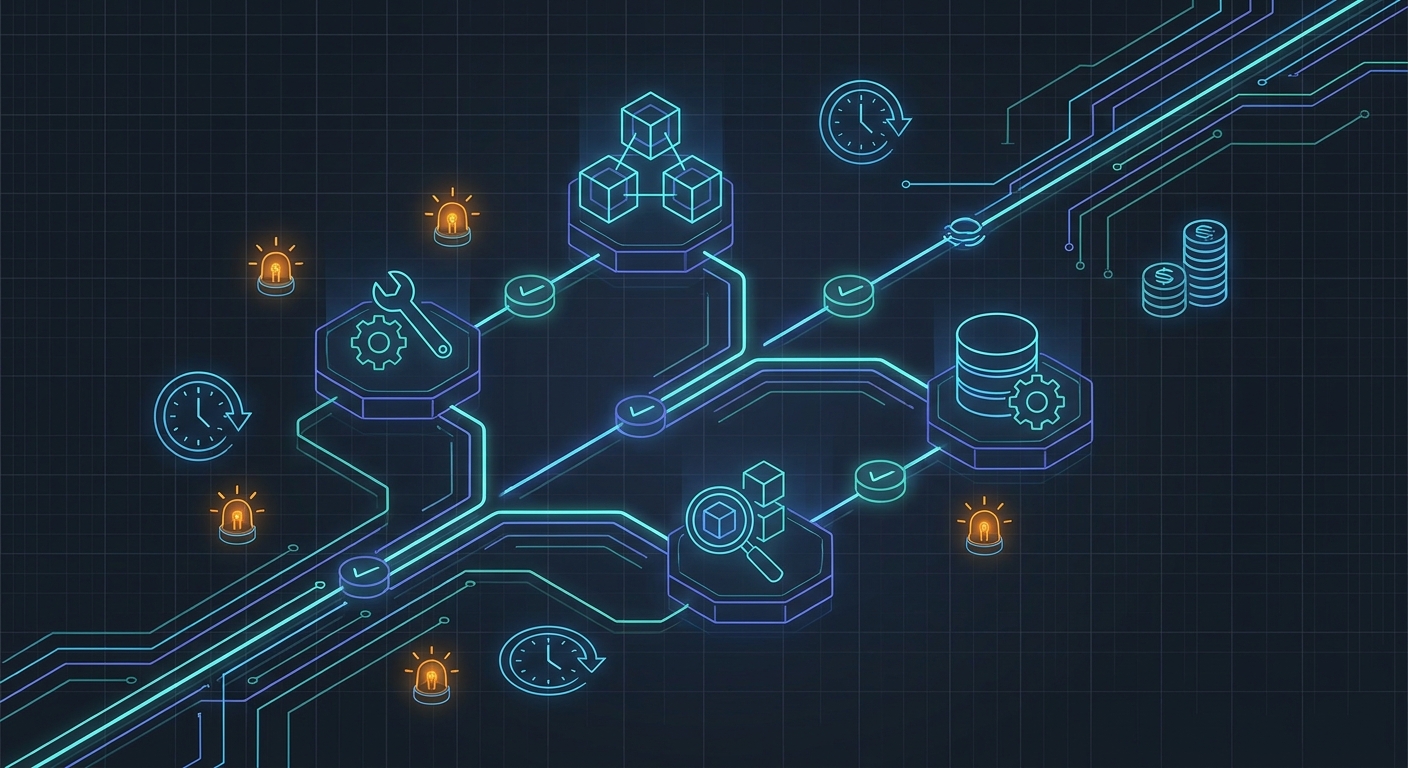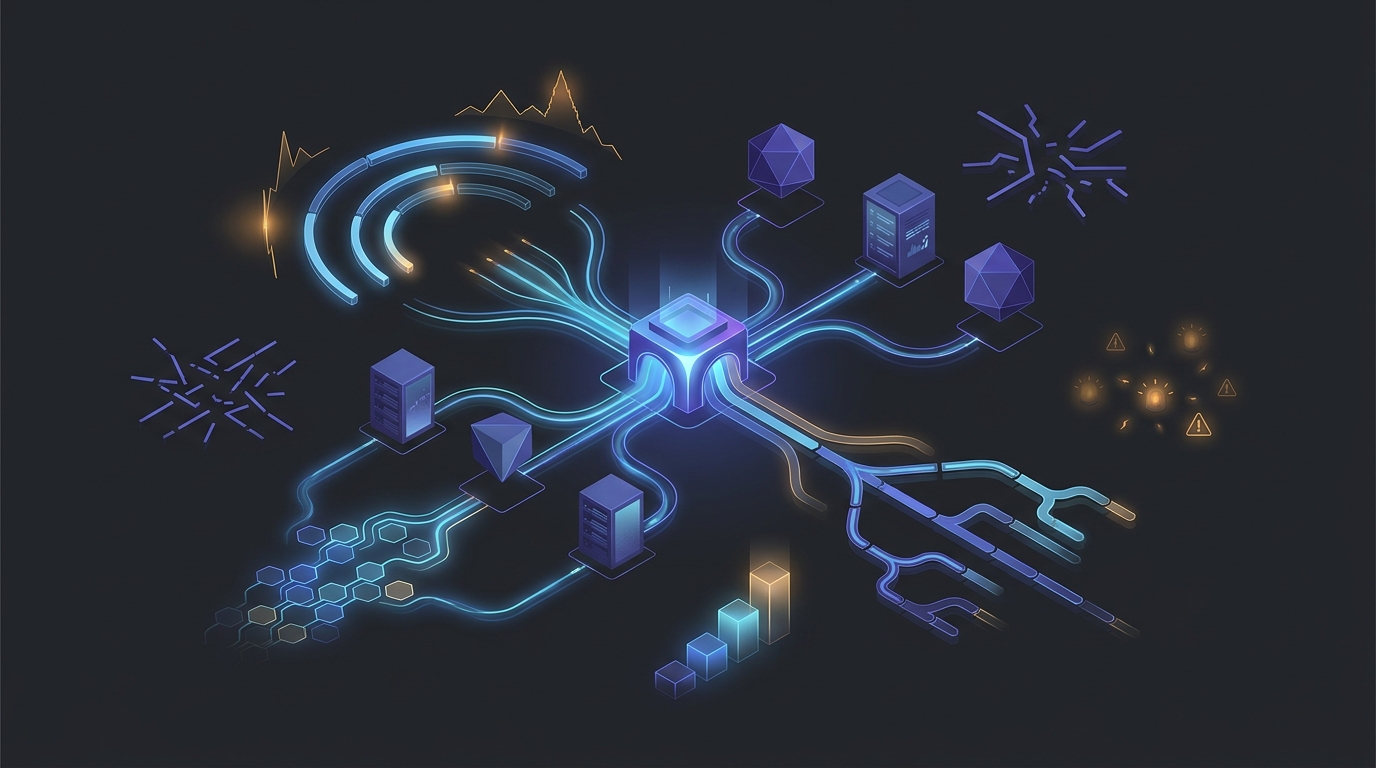
The Seedance 2.0 API is no longer just a model-discovery question. For product teams, the harder questions are whether the route is available for the exact input mode they need, how usage is billed, and what happens when a preview or early-access video model is unavailable.
That distinction matters because the public model landscape is moving quickly. ByteDance officially launched Seedance 2.0 on February 12, 2026, with multimodal input and synchronized audio as central capabilities. As of July 27, 2026, Flatkey's public model directory lists seedance-2.5 as an early-access text-to-video and image-to-video option at 1080p, while seedance-2.0-i2v is listed as a usage-based image-to-video route at 720p.
Those catalog entries are a useful starting point, not a permanent contract. A production integration should verify model availability, modality, resolution, pricing unit, and job semantics before every launch or major campaign.
This guide explains how to evaluate Seedance access in 2026, estimate the real cost of generated video, and design fallback routing that does not break when a model name, provider route, or capability changes.
Seedance 2.0 API: the short answer
Teams evaluating the Seedance 2.0 API should treat it as an asynchronous media workflow with a versioned capability contract.
In practice, that means your application should:
- Validate whether the selected route supports text-to-video, image-to-video, audio, target resolution, duration, and region.
- Submit a generation job instead of waiting for a chat-style response.
- Store the provider job ID and your own idempotency key.
- Poll or process a webhook until the job reaches a terminal state.
- Normalize the output URL, metadata, cost, and error reason.
- Retry safely or select a compatible fallback route when the primary route is unavailable.
If Seedance is one model in a larger product, put this logic behind a routing layer rather than embedding one provider's assumptions throughout your application.
What changed since the first Seedance 2.0 API guides
Early Seedance 2.0 articles focused on finding any usable API path. That is no longer enough.
The current decision surface includes:
- Multiple model versions: a team may encounter Seedance 2.0, a modality-specific 2.0 route, or a newer Seedance 2.5 route.
- Different capability combinations: text-to-video, image-to-video, resolution, audio, and duration limits may not match across routes.
- Changing access states: early access, allowlists, regional availability, and account eligibility can change without your product changing.
- Different billing units: video pricing may be expressed per second, per generated asset, per credit, or through a platform-specific usage unit.
- Async operational risk: queue time, timeouts, duplicate submissions, expiring output URLs, and failed jobs affect both cost and user experience.
The result is a more mature integration question: not “does a Seedance API exist?” but “which route satisfies this request today, and how will the product behave if that route stops satisfying it?”
Current Seedance access snapshot for July 27, 2026
The following table is a dated evaluation aid. Check the live model directory before implementation because access and pricing can change.
| Route | Public catalog state | Modality | Listed output | Best use |
|---|---|---|---|---|
seedance-2.5 |
Early access | Text-to-video and image-to-video | 1080p | New evaluations that need the broader current capability set |
seedance-2.0-i2v |
Usage-based | Image-to-video | 720p | Existing or compatibility-focused image-to-video workflows |
This snapshot highlights an important routing rule: a newer model is not automatically a valid fallback for every request, and an older model is not automatically interchangeable with the newer route.
A valid fallback must satisfy the request's required capabilities. If the user supplied a reference image, the fallback must support image-to-video. If the product promises 1080p output, a 720p-only route is not equivalent. If synchronized audio is required, a silent-video route should fail capability validation before submission.
Direct provider access versus a unified API gateway
There are two common ways to integrate a Seedance model.
Direct provider integration
Direct access can be appropriate when:
- Seedance is the only video model in the product.
- The provider account is available in the team's operating region.
- The team is comfortable implementing provider-specific authentication, job states, webhooks, billing, and support processes.
- There is no requirement to switch models without a client release.
The tradeoff is operational coupling. Provider-specific request fields, error codes, asset handling, and billing logic can spread into the product unless the team creates its own adapter boundary.
Unified gateway integration
A gateway is more useful when:
- Video generation sits beside chat, image, speech, or agent workloads.
- The team needs one key and one billing surface across model providers.
- Model availability or regional access can change.
- The product needs centralized quotas, model allowlists, usage logs, or spend caps.
- The team wants to change model routing without rewriting every client.
Flatkey documents a stable access layer, per-key caps, model allowlists, and usage visibility. The key benefit is not merely a shorter setup. It is the ability to isolate a changing provider landscape behind one controlled routing boundary.
See the broader multimodal agent routing guide for the architectural role of that boundary across video, image, speech, and text workloads.
Build a capability contract before choosing a model
Do not start fallback design with a list of model names. Start with a request contract.
An illustrative internal contract might look like this:
{
  "operation": "image_to_video",
  "required": {
    "resolution": "1080p",
    "audio": true,
    "max_queue_seconds": 90
  },
  "preferred_models": [
    "seedance-2.5",
    "seedance-2.0-i2v"
  ],
  "fallback": {
    "allow_lower_resolution": false,
    "allow_silent_output": false,
    "max_attempts": 2
  }
}
This is not a provider request body. It is an application-level policy that your router can evaluate before mapping the request to a provider-specific API.
The contract should separate:
- Hard requirements: modality, minimum resolution, audio, duration, compliance region, and output format.
- Preferences: model order, quality tier, expected latency, and cost target.
- Permitted degradation: whether the user accepts lower resolution, silent output, shorter duration, or a different visual style.
- Operational limits: maximum queue time, retry count, budget, and deadline.
Without that separation, fallback routing becomes guesswork.
A reliable fallback-routing workflow
1. Maintain a live route registry
Store each candidate route with its current capability and access state:
- model identifier
- provider
- supported modalities
- resolution and duration limits
- audio support
- region or account restrictions
- pricing unit
- current health state
- last successful request time
- last evidence refresh time
Do not assume the marketing model name contains enough information to route safely.
2. Filter by capabilities before health
First remove routes that cannot satisfy the request. Then rank the remaining routes by health, cost, latency, or quality.
This order prevents a healthy but incompatible route from receiving a request it cannot fulfill.
3. Separate admission failure from job failure
Video APIs can fail before or after job creation.
Admission failures include invalid credentials, unavailable models, unsupported parameters, account restrictions, and rate limits. These can often trigger an immediate route change.
Job failures happen after a provider accepts the request. They may involve safety filtering, generation errors, timeouts, or failed asset delivery. Retrying these failures requires more care because the first attempt may already have consumed time or billable compute.
4. Use idempotency at your boundary
Assign an application job ID before calling any provider. Store every provider attempt under that ID.
If the client retries because of a network timeout, your service should return the existing job state rather than submit an identical generation again. This is especially important for video workloads, where accidental duplicates can be expensive.
5. Normalize provider states
Your product should not expose a different state machine for every video model. Map provider-specific states into a small internal set such as:
queuedrunningsucceededfailed_retryablefailed_terminalcancelled
Store the original provider state and raw error for debugging, but keep the product contract stable.
6. Apply bounded fallback rules
Fallback should be deliberate, not an unbounded loop.
A practical policy might allow:
- one immediate alternate route after an admission failure
- one retry after a retryable job failure
- no fallback after a policy or safety rejection
- no downgrade below the user's explicit resolution or audio requirement
- no new submission after the request's budget or deadline is exhausted
7. Record the route decision
For every job, log:
- requested capabilities
- selected route and reason
- rejected candidates and reasons
- provider job ID
- timestamps for queue, start, and completion
- output duration and resolution
- billed amount or usage unit
- retry and fallback history
These records turn routing from a black box into an auditable product system.
Seedance 2.0 API pricing: verify the unit before comparing numbers
The phrase “Seedance 2.0 API pricing” can hide several different billing models. Before comparing providers or gateways, confirm all of the following:
| Pricing field | What to verify |
|---|---|
| Billing unit | Per generated second, per asset, per credit, or another usage unit |
| Resolution | Whether 720p and 1080p have different rates |
| Duration | Minimum duration, increments, and maximum duration |
| Audio | Whether synchronized audio changes the rate |
| Failed jobs | Whether failed or filtered generations are billed |
| Retries | Whether each new provider job is separately billable |
| Storage | Output retention period and download or egress costs |
| Platform fee | Any gateway fee, committed-volume discount, or enterprise rate |
Use this workload formula rather than comparing a single headline number:
monthly generation cost =
successful output seconds
× effective rate per second
+ retry and failure cost
+ storage and delivery cost
+ platform or support cost
For example, a product generating 10,000 successful clips per month can have very different economics depending on average duration, resolution, retry rate, and whether audio is included. A small improvement in first-attempt success rate may matter more than a small difference in the advertised unit price.
Use the live Flatkey pricing page for current plan and purchasing information. For a serious rollout, record the exact price source and check date in the same route registry that stores model capabilities.
Migrating from Seedance 2.0 to Seedance 2.5 without breaking the product
Treat a model upgrade as a controlled route change, not a string replacement.
Compare contracts
Test whether the new route preserves:
- input types and size limits
- prompt behavior
- supported aspect ratios
- output duration and resolution
- audio behavior
- job status semantics
- moderation behavior
- asset URL lifetime
- cost reporting
Run shadow evaluation
For a small sample of eligible requests, submit the same normalized input to both routes outside the customer-critical path. Compare completion rate, latency, output quality, cost, and policy outcomes.
Use a staged rollout
Move a small percentage of compatible jobs to the newer route. Keep the previous route available only where it still satisfies the full request contract.
Preserve route-level observability
Do not merge metrics for Seedance 2.0 and Seedance 2.5 into one “video” total. Track versions separately so a rollout does not hide regressions.
Common Seedance API integration mistakes
Treating video generation like chat completion
Long-running video jobs need durable state, queue management, and asset handling. A synchronous request pattern creates fragile timeouts and poor retry behavior.
Using model names as the fallback policy
seedance-2.5 and seedance-2.0-i2v are not interchangeable merely because they share a family name. Route by capabilities.
Retrying without idempotency
A client timeout does not prove the provider rejected the request. Blind retries can create duplicate billable jobs.
Promising a resolution the fallback cannot produce
If the product promises 1080p, a 720p route should not silently take over. Ask for user consent or fail clearly.
Copying an undated price into product logic
Pricing pages change. Store the pricing source and verified date, then make the cost threshold configurable.
Ignoring output retention
Provider URLs may expire. Copy completed assets into your own approved storage before exposing a durable product URL.
A refresh checklist for an emerging video-model guide
Emerging-model pages should have an explicit refresh owner and evidence cycle. Review this page whenever a major Seedance version launches, and at least monthly while access is changing quickly.
Each refresh should verify:
- Official model/version announcement.
- Current model identifier in the live catalog.
- Text-to-video and image-to-video support.
- Resolution, duration, audio, and region limits.
- Access state, including early access or allowlist requirements.
- Current pricing unit and purchasing page.
- Job creation, polling, webhook, and cancellation semantics.
- Retry, failure-billing, and output-retention behavior.
- Public route status and dated article claims.
- Internal links to pricing and multimodal routing guidance.
This is the difference between an article that ranks briefly and an asset that remains useful while search demand is still forming.
Frequently asked questions
Is there a Seedance 2.0 API?
Yes. Seedance 2.0 is an official ByteDance video-model release, and API access is available through provider and gateway routes. The exact model identifier, modality, region, and account eligibility depend on the access path, so verify the live catalog before implementation.
Does the Seedance 2.0 API support text-to-video and image-to-video?
Seedance is a multimodal video-model family, but individual API routes can be modality-specific. As of July 27, 2026, Flatkey lists seedance-2.0-i2v for image-to-video and lists seedance-2.5 for both text-to-video and image-to-video.
How much does the Seedance 2.0 API cost?
The answer depends on the provider, route, resolution, duration, audio mode, and billing unit. Confirm whether the route charges per second, asset, credit, or another usage unit, then include retries, failures, storage, and platform fees in the workload estimate.
Can Seedance 2.5 be a fallback for Seedance 2.0?
It can be a candidate when it satisfies the same required modality, resolution, audio, region, budget, and operational contract. Do not treat it as an automatic replacement based only on the model family name.
What should trigger a fallback route?
Good triggers include route unavailability, account restrictions, rate limits, and retryable infrastructure failures. Safety rejections, unsupported capabilities, exhausted budgets, and expired deadlines should normally stop rather than trigger an uncontrolled alternate generation.
The practical next step
Before choosing a Seedance route, write down the capabilities your product promises and the degradations it may permit. Then verify the live model catalog and pricing source, run a small asynchronous job test, and record the evidence date.
If Seedance will sit beside other video, image, or language models, keep provider details behind a stable routing layer. That gives your team a controlled way to adopt newer models, preserve fallback options, and refresh access assumptions without rebuilding the product every time the model landscape changes.